Product engineering · 27 Sept 2026 · 5 min read
Why we run OCR on the phone, not on a server
Running OCR in the browser can protect private images, remove server costs and force a team to make the scanning experience genuinely fast.
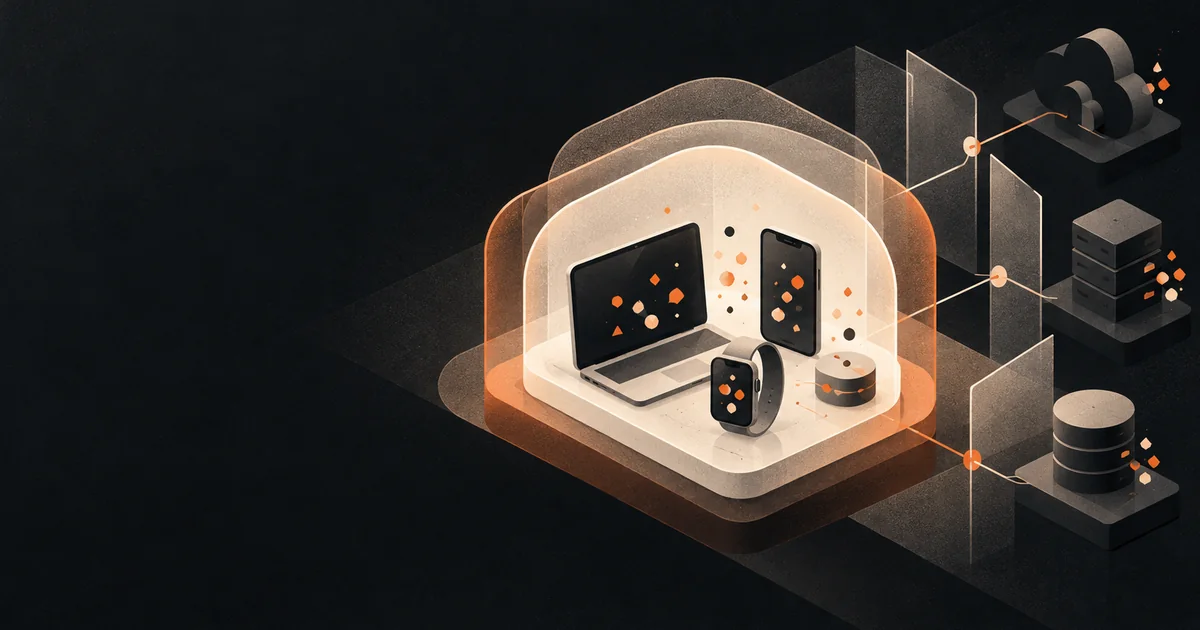
Research for a mobile label scanner produced one clear finding. Shoppers did not want to upload photos of everyday products to a server they could not see. The scanner had to work, but the photo had to stay on the phone.
That one requirement decided the architecture.
The decision
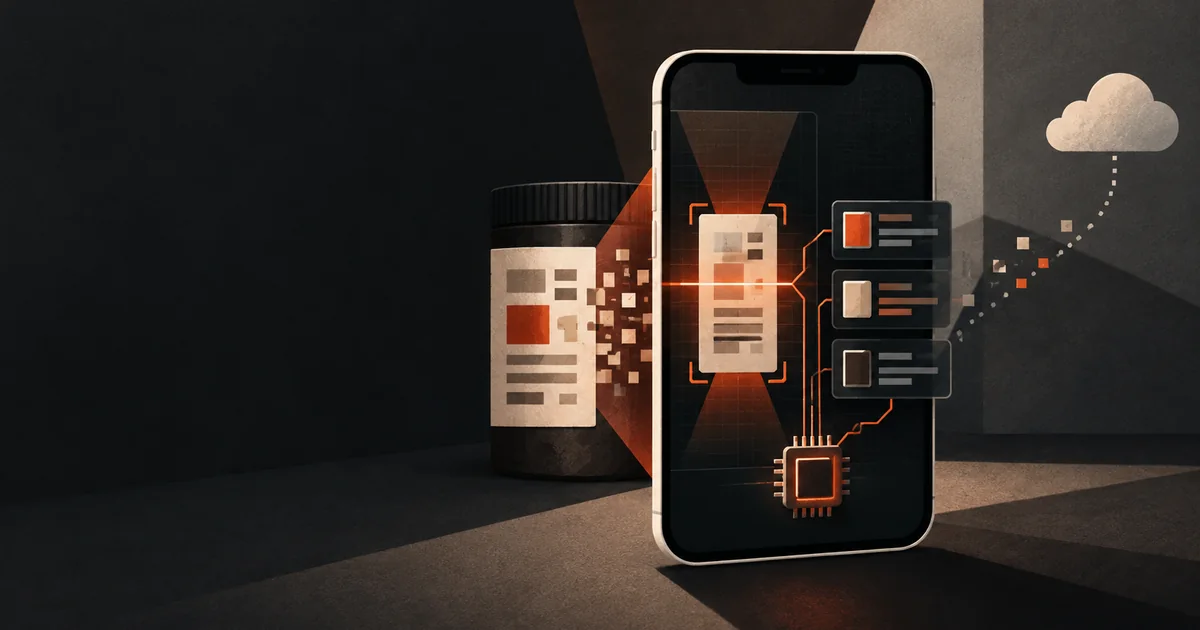
All label reading runs in the browser with Tesseract.js. The image and the recognised text never leave the device. There is no upload, no queue and no OCR server to pay for.
This is a privacy decision, but it is also a cost decision. A product with a small team and no outside funding cannot carry a server bill that grows with every scan.
The price of the decision
On-device OCR is slower than a cloud service. Our first version used a single pass. It missed codes on busy backgrounds. It read “O” as “0” and “I” as “1”. A scan took 80 to 240 seconds. Nobody in a shop waits that long.
We did not move the work to a server. We made the client smarter.
- Multi-pass recognition. The app tries up to six combinations of image preparation and recognition settings.
- Scoring. Each pass is scored by the number of E-codes found and the confidence of each one.
- Early exit. When a pass finds three or more codes with good confidence, the app stops. This happens in about 80% of scans.
- Compression first. Phone photos of 2 to 5 MB are reduced to 200 to 500 KB before recognition, with no loss in accuracy.
- Lazy loading. Tesseract.js loads only when a user starts a scan. The main bundle went from 677 KB to about 200 KB.
Most scans now finish in 30 to 60 seconds. That is inside the time a shopper will spend in an aisle.
Design the capture step before tuning recognition
OCR quality begins before the recognition library runs. A blurred, angled or poorly lit image cannot be repaired by adding more processing passes. The interface should help the person capture a useful region: show a clear frame, explain how close to move, warn about glare and allow cropping before the expensive work begins.
Good defaults matter more than advanced controls. Most people do not know which recognition mode or threshold to choose. The product should make the first attempt automatically and offer a simple retry when confidence is low. Technical settings belong in diagnostics, not in the main flow.
The scanner also needs an escape route. Manual search or typed input should remain available when a label is damaged, the browser lacks a required capability or the person simply prefers not to use the camera. Privacy-respecting software should not turn permission into a gate.
Set a performance budget for the whole task
Download size is only one part of perceived speed. The useful budget includes the library download, model preparation, image compression, recognition passes and the time required to understand the result. Measure the whole journey on an ordinary phone, not only the recognition function on a development laptop.
Progress messages should describe meaningful stages: preparing the image, reading the label and checking the result. A percentage that pauses at 90 percent damages confidence because it exposes an estimate the product cannot keep. If timing varies widely, an honest stage indicator is better than false precision.
Long work must also be cancellable. A person may realise that the wrong side of the package was photographed or that manual entry will be quicker. Let them stop without reloading the page, release the worker and return to a usable state.
Treat recognition as a candidate generator
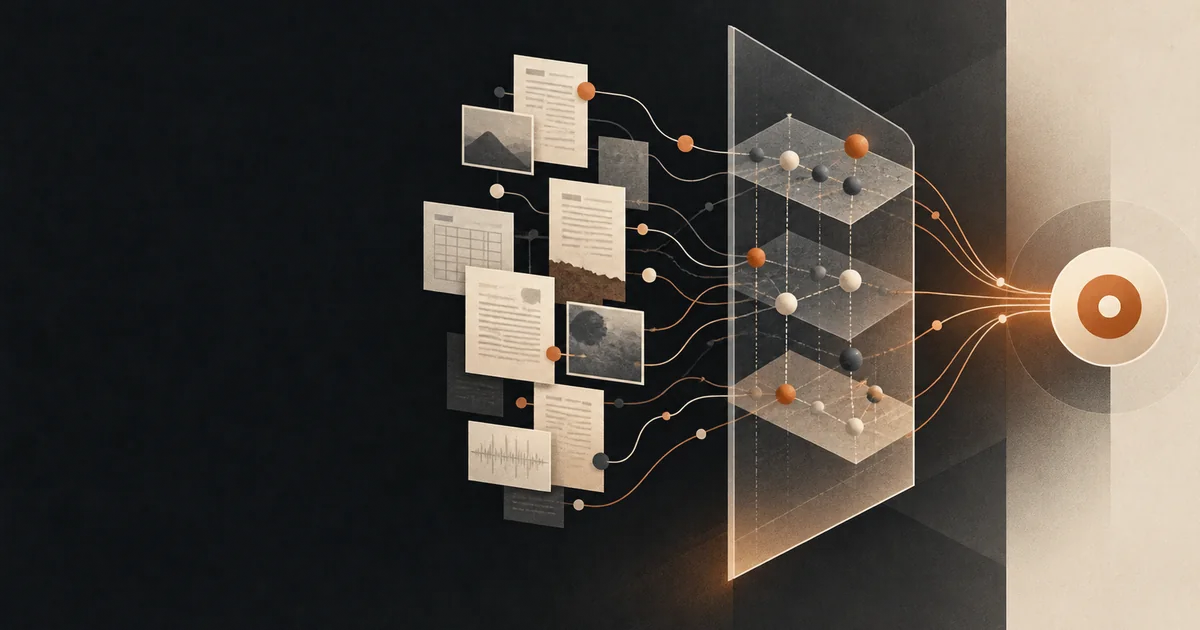
OCR output is rarely the final answer. It produces candidates that need normalising and checking. Common substitutions such as “O” and “0” can be corrected only when the domain provides context. Pattern matching can find likely codes, while a curated reference set can reject combinations that look plausible but do not exist.
Show uncertainty in the result. If two interpretations are possible, present both or ask the person to confirm the relevant characters. A fast wrong answer is worse than a slower result that clearly asks for help.
Testing should include real images from different phones, lighting conditions, print sizes and packaging materials. Clean screenshots create impressive demos but hide the conditions that determine whether the product works in practice.
What we learned
Privacy can be an architecture choice, not a policy page. When the data never leaves the phone, you do not need to ask people to trust you with it.
Constraints push you to fix the real problem. A cloud OCR service would have hidden the slow scan behind a spinner. Keeping the work on the device forced us to make the scan itself fast.
Measure the user’s budget, not the benchmark. The target was “under the time a shopper spends in an aisle”, not a Lighthouse score. The score improved anyway.
Load specialist code only when it is needed. Most visitors may never open the scanner. Keeping recognition code out of the initial bundle makes the rest of the product faster for everyone.
Keep a manual path. Local processing improves privacy, but it must not make the feature brittle. A clear alternative protects the core task when the camera, browser or model fails.
If you are planning a product that handles personal photos, documents or health data, ask early whether the processing can stay on the device. The answer changes the cost model, the trust model and the engineering plan.
Keep reading